COMMUNICATIONS ACT 2003
Dishonestly obtaining a service
Section 125 makes it an offence to dishonestly obtain an electronic communications service with intent to avoid paying a charge for it.
See the penalties wifineighbor
Start
WI-FI OVER THE FENCE
Home Wi-Fi often reaches the house next door, and the street outside.
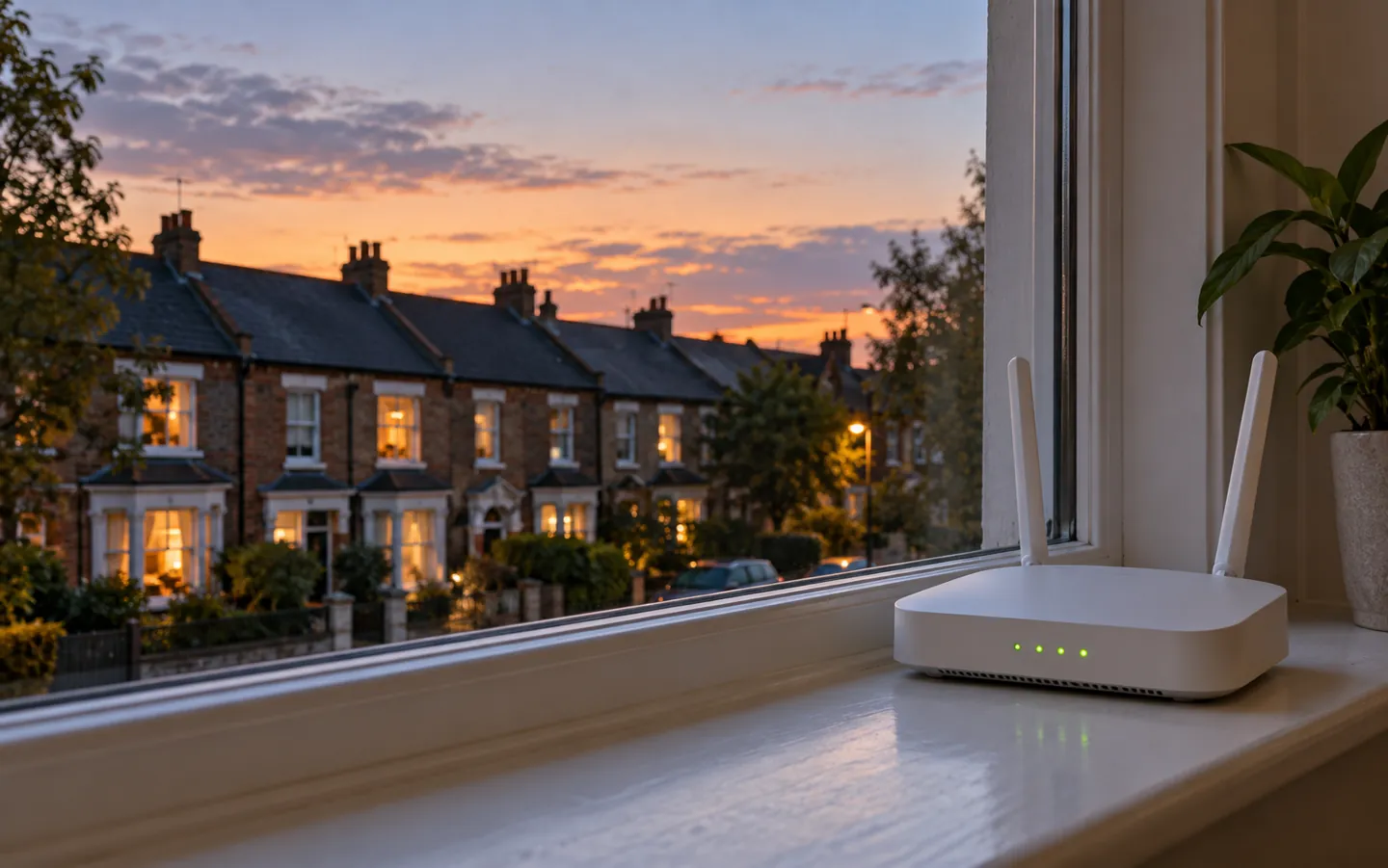
Being able to see a network is not the same as being allowed to use it. Two UK laws deal with getting a communications service dishonestly and with knowingly unauthorised access to computers.
WPA2/3never set to Open
Check your settingKeep in mind
THE SHORT ANSWER
One is about obtaining a service without paying,
the other about access you know you are not allowed.
COMMUNICATIONS ACT 2003
Section 125 makes it an offence to dishonestly obtain an electronic communications service with intent to avoid paying a charge for it.
See the penaltiesCOMPUTER MISUSE ACT 1990
Section 1 covers access to programs or data that is unauthorised. The CPS notes the person must know it is unauthorised: mere recklessness is not enough.
Common questionsYOUR OWN NETWORK
The NI Cyber Security Centre says use WPA2 or WPA3, change the default Wi-Fi password and never set your network to 'Open'.
Check your settingCHECK YOUR SETTING
Pick the security setting your router shows for Wi-Fi. The bar shows how exposed that setting leaves you to people nearby, from official UK guidance.
Summarised from the NI Cyber Security Centre's home network guidance and Get Safe Online. Check your own router's settings page or your provider's help pages.
TWO NUMBERS WORTH KNOWING
The highest sentences each law allows on indictment,
as set out in the legislation and CPS guidance.
5 years
Maximum prison term on indictment
For dishonestly obtaining an electronic communications service; on summary conviction, up to six months, a fine or both.
SECTION 125 · COMMUNICATIONS ACT
2 years
Maximum prison term on indictment
For unauthorised access to computer material, as the CPS legal guidance confirms; or a fine, or both.
SECTION 1 · COMPUTER MISUSE ACT
Maximum penalties from legislation.gov.uk and the CPS. Whether any law applies to a particular situation depends on the facts; this page is general information.
WHAT THE GUIDANCE SAYS
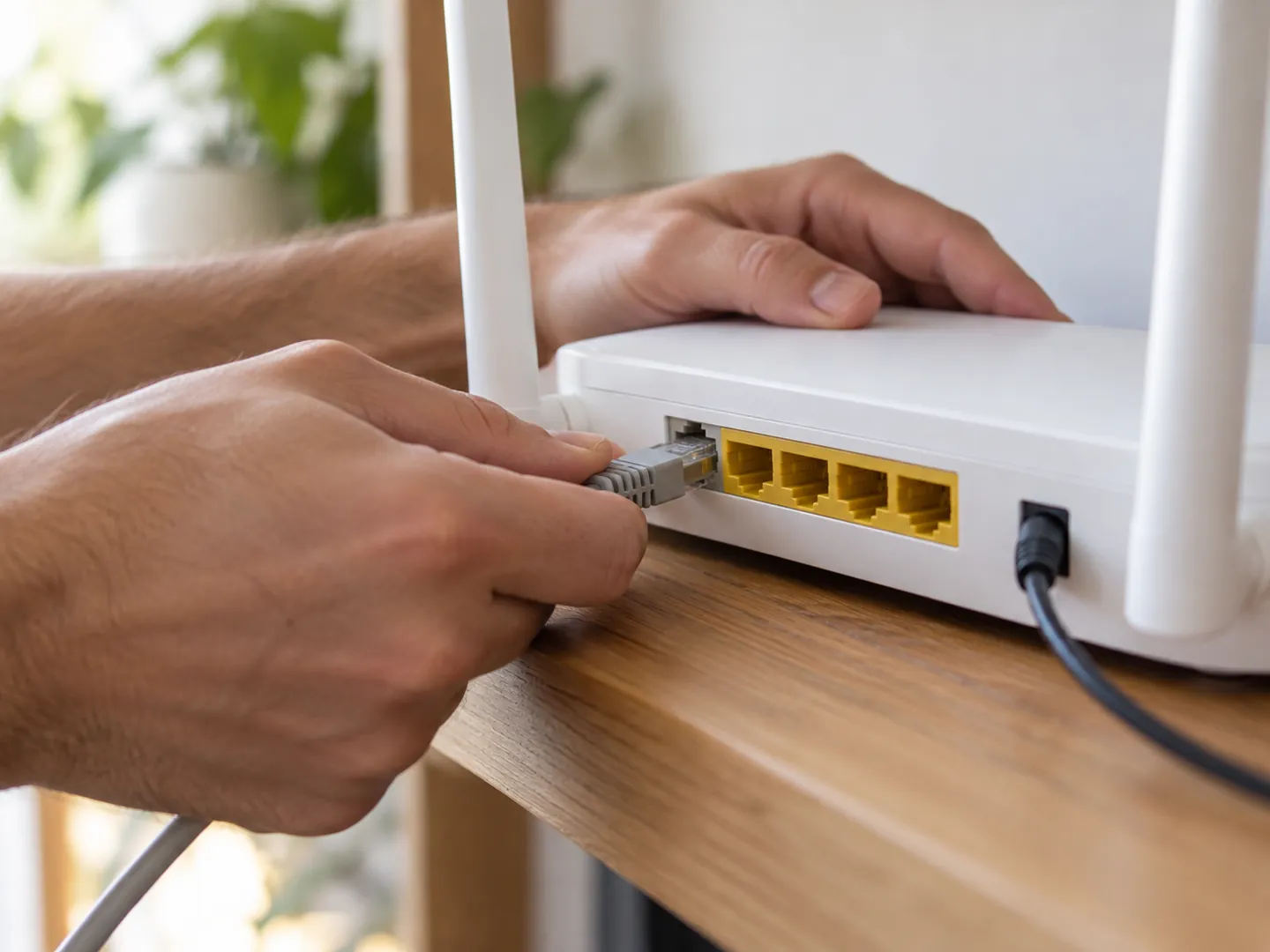
The NI Cyber Security Centre lists simple steps to stop people nearby using your connection.
Step 1
Replace the router's default username and password. Attackers know the defaults for most standard devices.
Step 2
Swap the default Wi-Fi password for a strong one that you and your household can remember.
Step 3
Log into the router to check the encryption method. WEP and WPA are older and less secure.
Step 4
Many routers list connected devices. Investigate and remove any you don't recognise, and use a guest network for visitors.
WHY AN OPEN NETWORK MATTERS

Get Safe Online warns that people within range of an unsecured router can take up your bandwidth, use the download allowance you pay for, and download material that would be traced to your address.
The NI Cyber Security Centre adds that criminals could use a weakly secured connection to carry out illegal activity as if they were you. It also suggests renaming your network so it does not reveal your provider.
Questions
Two laws can apply: section 125 of the Communications Act 2003 (dishonestly obtaining a service to avoid paying) and section 1 of the Computer Misuse Act 1990 (knowingly unauthorised access).
Both offences hinge on the use being dishonest or unauthorised. If you are unsure what you have been allowed to do, ask the account holder; this page is not legal advice.
Yes. The person must dishonestly obtain the service and do so with intent to avoid payment of a charge for providing it.
Yes. The NI Cyber Security Centre says Wi-Fi signals are better than ever, so your connection can be reached outside your home.
Many routers show connected devices in real time. The NI Cyber Security Centre suggests investigating and removing any you don't recognise.
Destination
Updated
ABOUT THIS NAME
wifineighbor.com is part of the DoodleSale portfolio. It isn't in an auction right now, but you can ask about leasing it.